
Running Thomson Reuters CS Professional Suite On-Premise in 2026, Without the Tax-Season Surprises
UltraTax CS, Practice CS, and FileCabinet CS on your own servers, done right. Why 'local' and 'compliant' aren't opposites in 2026, and what it actually takes to keep a Thomson Reuters tax stack running through filing season.
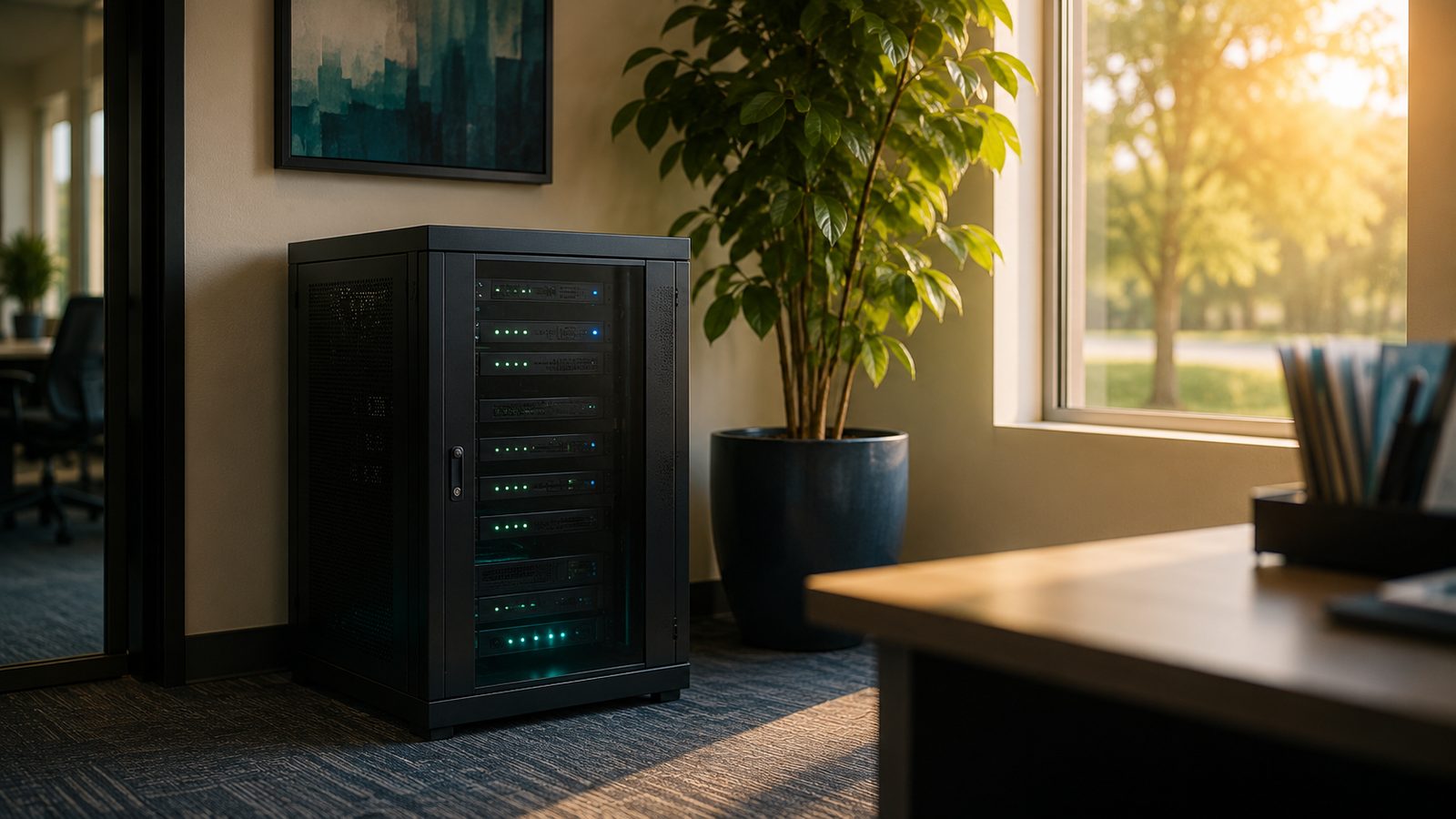
Local is still a legitimate choice, and Thomson Reuters still supports it
There’s a persistent myth that everything has to move to the cloud. It doesn’t. Thomson Reuters still fully supports local and network installations of the CS Professional Suite in 2026, UltraTax CS 2025 installs on a Windows 11 workstation or a Windows Server the same way it always has.
Plenty of accounting firms keep it local on purpose, for good reasons:
- Data sovereignty. Your clients’ Social Security numbers, W-2s, and financials never leave your building. For a firm that takes taxpayer confidentiality seriously, that’s a feature, not a limitation.
- Cost. No perpetual per-user, per-month hosting bill. You already own the server.
- Performance. Heads-down data entry over a local network is faster and more predictable than a laggy hosted session in the middle of March.
- Control. You decide where the data lives and who can touch it.
The catch: on-premise only pays off if it’s actually run well. Here’s what that takes.
What actually needs managing on an on-prem CS Professional Suite
From years of supporting CPA firms directly on Thomson Reuters software, the same handful of issues account for most of the pain, and none of them are mysteries once you’ve seen them.
Data paths and the Proforma rollover. UltraTax CS keeps client data in year-specific folders on a network share. Every new tax season, the data locations and the Proforma (prior-year rollover) source have to point at exactly the right folders, or the software either can’t find last year’s clients or, worse, looks like it lost them. That’s a five-minute fix when you know the Setup → System Configuration → Data Locations and Utilities → Proforma workflow, and a panicked support call when you don’t.
The “publisher could not be verified” prompts. When TR tools launch from a network share, Windows’ security zones flag them, the classic “Open File, Security Warning” and CS Connect (connectbgdl.exe) prompts. In 2026 the fix isn’t clicking through Internet Explorer on every PC, IE is gone from Windows 11 anyway, it’s a Group Policy zone assignment plus the right EDR/antivirus exclusions for the tools folder, applied once across the whole fleet. Same problem, grown-up solution.
Practice CS and SQL Server. Practice CS runs on a SQL Server backend. When the database server, the network, or DNS hiccups, Practice CS can’t reach its database, a well-understood failure with a well-understood fix, provided someone actually knows it’s a SQL connectivity issue and not “Practice CS is broken.”
FileCabinet CS. Still in daily use at many firms even as Thomson Reuters steers new work toward GoFileRoom and Onvio. Its data-location aliases need the same care as UltraTax’s, and if you’re planning an eventual move to cloud document management, that’s a migration to plan, not stumble into.
Tax-season uptime. From January to April, an hour of downtime isn’t an inconvenience, it’s billable hours and client deadlines evaporating. On-prem done right means real backups, tested restores, and someone who answers the phone in crunch.
The 2026 changes you can’t ignore
Three things changed recently that every firm running tax software locally needs handled:
1. Windows 10 is done. Microsoft ended Windows 10 support on October 14, 2025. A PC still running Windows 10 in 2026 stops getting security patches, and UltraTax CS 2025’s own system requirements now call for Windows 11 or Windows Server. If any workstation in your office still runs Windows 10, it’s both non-compliant and out of spec. That’s the single most urgent thing to check right now.
2. The IRS tightened the WISP rules, and they hit on-prem too. The August 2024 update to IRS Publication 5708, effective for the 2026 filing season, now requires multi-factor authentication for every user accessing any system that holds client information, including every in-office workstation, not just remote logins. Keeping your data local doesn’t exempt you; it just means the MFA and access controls are yours to implement. Since 2023, you also have to attest that you maintain a Written Information Security Plan when you renew your PTIN, and a false attestation is treated as federal fraud.
3. FTC Safeguards Rule breach notification is live. Since May 2024, if a breach exposes the information of 500 or more people, you have 30 days to notify the FTC. The Rule also requires a designated Qualified Individual, an annual written risk assessment, and a WISP, for “an accountant or other tax preparation service” of any size.
None of this says “move to the cloud.” It says: whether your data is local or hosted, you need real security controls, documented and maintained. On-prem firms just need a partner who builds those controls into the network they already own.
Local software deserves local AI
Here’s what most IT providers miss when they talk to accountants: if you’ve deliberately kept your clients’ tax data in your own building, the last thing you want is an AI tool that ships that data off to someone else’s servers to answer a question.
We run a private Local AI engine, on-premise, in your office, on hardware you control. It helps your team draft, summarize, research, and answer questions grounded in your own documents, and nothing about your clients ever leaves the building. The same principle that made you keep UltraTax local applies to AI: control the data, control the risk.
That’s a combination almost no IT provider offers accountants, deep, hands-on Thomson Reuters expertise and private AI that respects the confidentiality your profession demands.
Talk to someone who’s actually done it
We’re not learning UltraTax on your dime. We’ve spent years directly supporting CPA firms on the CS Professional Suite, data paths, Proforma rollovers, network trust prompts, SQL errors, tax-season uptime, and we build the security controls the IRS and FTC now require into the process.
Whether you want your on-premise setup hardened and made bulletproof for the next filing season, or you want to weigh a managed move to hosted, let’s talk, with someone who speaks Thomson Reuters.
Frequently asked questions
Is Thomson Reuters CS Professional Suite still available on-premise in 2026?
Yes. Thomson Reuters fully supports local and network installations of UltraTax CS 2025 and the rest of the CS Professional Suite. UltraTax CS 2025 requires Windows 11 or Windows Server.
Does keeping tax software local mean I don't need MFA?
No. As of the 2026 filing season, IRS Publication 5708 requires multi-factor authentication for every user accessing systems that hold client data, including in-office workstations, not just remote access.
Can I still run UltraTax CS on Windows 10?
You shouldn't. Windows 10 support ended October 14, 2025, and UltraTax CS 2025's system requirements call for Windows 11 or Windows Server. A workstation still on Windows 10 is both unsupported by Microsoft and out of spec for the current tax software.
Running Thomson Reuters CS Professional Suite On-Premise in 2026, Without the Tax-Season Surprises
UltraTax CS, Practice CS, and FileCabinet CS on your own servers, done right. Why 'local' and 'compliant' aren't opposites in 2026, and what it actually takes to keep a Thomson Reuters tax stack running through filing season.
Local is still a legitimate choice, and Thomson Reuters still supports it
There’s a persistent myth that everything has to move to the cloud. It doesn’t. Thomson Reuters still fully supports local and network installations of the CS Professional Suite in 2026, UltraTax CS 2025 installs on a Windows 11 workstation or a Windows Server the same way it always has.
Plenty of accounting firms keep it local on purpose, for good reasons:
- Data sovereignty. Your clients’ Social Security numbers, W-2s, and financials never leave your building. For a firm that takes taxpayer confidentiality seriously, that’s a feature, not a limitation.
- Cost. No perpetual per-user, per-month hosting bill. You already own the server.
- Performance. Heads-down data entry over a local network is faster and more predictable than a laggy hosted session in the middle of March.
- Control. You decide where the data lives and who can touch it.
The catch: on-premise only pays off if it’s actually run well. Here’s what that takes.
What actually needs managing on an on-prem CS Professional Suite
From years of supporting CPA firms directly on Thomson Reuters software, the same handful of issues account for most of the pain, and none of them are mysteries once you’ve seen them.
Data paths and the Proforma rollover. UltraTax CS keeps client data in year-specific folders on a network share. Every new tax season, the data locations and the Proforma (prior-year rollover) source have to point at exactly the right folders, or the software either can’t find last year’s clients or, worse, looks like it lost them. That’s a five-minute fix when you know the Setup → System Configuration → Data Locations and Utilities → Proforma workflow, and a panicked support call when you don’t.
The “publisher could not be verified” prompts. When TR tools launch from a network share, Windows’ security zones flag them, the classic “Open File, Security Warning” and CS Connect (connectbgdl.exe) prompts. In 2026 the fix isn’t clicking through Internet Explorer on every PC, IE is gone from Windows 11 anyway, it’s a Group Policy zone assignment plus the right EDR/antivirus exclusions for the tools folder, applied once across the whole fleet. Same problem, grown-up solution.
Practice CS and SQL Server. Practice CS runs on a SQL Server backend. When the database server, the network, or DNS hiccups, Practice CS can’t reach its database, a well-understood failure with a well-understood fix, provided someone actually knows it’s a SQL connectivity issue and not “Practice CS is broken.”
FileCabinet CS. Still in daily use at many firms even as Thomson Reuters steers new work toward GoFileRoom and Onvio. Its data-location aliases need the same care as UltraTax’s, and if you’re planning an eventual move to cloud document management, that’s a migration to plan, not stumble into.
Tax-season uptime. From January to April, an hour of downtime isn’t an inconvenience, it’s billable hours and client deadlines evaporating. On-prem done right means real backups, tested restores, and someone who answers the phone in crunch.
The 2026 changes you can’t ignore
Three things changed recently that every firm running tax software locally needs handled:
1. Windows 10 is done. Microsoft ended Windows 10 support on October 14, 2025. A PC still running Windows 10 in 2026 stops getting security patches, and UltraTax CS 2025’s own system requirements now call for Windows 11 or Windows Server. If any workstation in your office still runs Windows 10, it’s both non-compliant and out of spec. That’s the single most urgent thing to check right now.
2. The IRS tightened the WISP rules, and they hit on-prem too. The August 2024 update to IRS Publication 5708, effective for the 2026 filing season, now requires multi-factor authentication for every user accessing any system that holds client information, including every in-office workstation, not just remote logins. Keeping your data local doesn’t exempt you; it just means the MFA and access controls are yours to implement. Since 2023, you also have to attest that you maintain a Written Information Security Plan when you renew your PTIN, and a false attestation is treated as federal fraud.
3. FTC Safeguards Rule breach notification is live. Since May 2024, if a breach exposes the information of 500 or more people, you have 30 days to notify the FTC. The Rule also requires a designated Qualified Individual, an annual written risk assessment, and a WISP, for “an accountant or other tax preparation service” of any size.
None of this says “move to the cloud.” It says: whether your data is local or hosted, you need real security controls, documented and maintained. On-prem firms just need a partner who builds those controls into the network they already own.
Local software deserves local AI
Here’s what most IT providers miss when they talk to accountants: if you’ve deliberately kept your clients’ tax data in your own building, the last thing you want is an AI tool that ships that data off to someone else’s servers to answer a question.
We run a private Local AI engine, on-premise, in your office, on hardware you control. It helps your team draft, summarize, research, and answer questions grounded in your own documents, and nothing about your clients ever leaves the building. The same principle that made you keep UltraTax local applies to AI: control the data, control the risk.
That’s a combination almost no IT provider offers accountants, deep, hands-on Thomson Reuters expertise and private AI that respects the confidentiality your profession demands.
Talk to someone who’s actually done it
We’re not learning UltraTax on your dime. We’ve spent years directly supporting CPA firms on the CS Professional Suite, data paths, Proforma rollovers, network trust prompts, SQL errors, tax-season uptime, and we build the security controls the IRS and FTC now require into the process.
Whether you want your on-premise setup hardened and made bulletproof for the next filing season, or you want to weigh a managed move to hosted, let’s talk, with someone who speaks Thomson Reuters.
Frequently asked questions
Is Thomson Reuters CS Professional Suite still available on-premise in 2026?
Yes. Thomson Reuters fully supports local and network installations of UltraTax CS 2025 and the rest of the CS Professional Suite. UltraTax CS 2025 requires Windows 11 or Windows Server.
Does keeping tax software local mean I don't need MFA?
No. As of the 2026 filing season, IRS Publication 5708 requires multi-factor authentication for every user accessing systems that hold client data, including in-office workstations, not just remote access.
Can I still run UltraTax CS on Windows 10?
You shouldn't. Windows 10 support ended October 14, 2025, and UltraTax CS 2025's system requirements call for Windows 11 or Windows Server. A workstation still on Windows 10 is both unsupported by Microsoft and out of spec for the current tax software.